Identify the cables first
Spread the cables on a table and find the device each belongs to. If you keep a dedicated charger, label it with the device name before separating them. Matching connectors do not guarantee that two chargers are interchangeable. Check the compatibility information supplied by the equipment manufacturer rather than testing an unknown adapter at random.
Take frayed cables, bent connectors and damaged chargers out of service. Do not mix them with working spares just in case they become useful. Check local electrical-waste collection arrangements when disposing of them. A mains adapter is not something to repair with adhesive tape or open up at home.
Store spares without tight bends
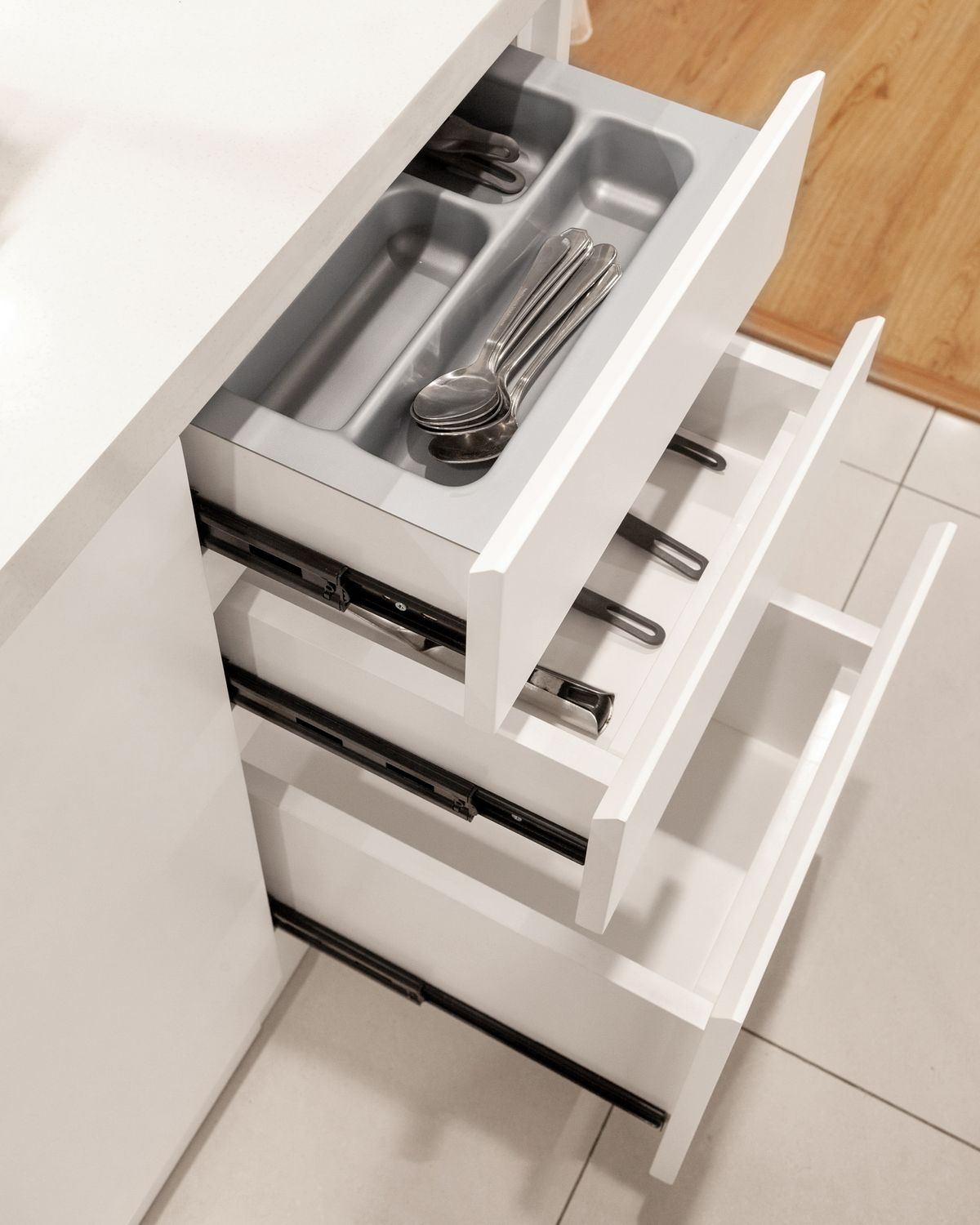
For disconnected cables, make broad loops and hold them with a soft reusable tie. Avoid sharply bending the cable where it enters the connector. Small bags or simple dividers can separate power, audio and data cables without creating another tangled pile inside the storage box.
A shallow box keeps the groups visible. If several layers are necessary, add a visible contents card or use smaller containers that lift out together. Keep small accessories with their corresponding device where practical, especially adapters that are difficult to recognise by sight. One clearly identified spare is more useful than several mysterious plugs.
Charging needs a different space
Devices and chargers in use should remain uncovered and well ventilated, away from liquids and heat sources. Do not hide them under papers, inside a fabric basket or in a closed box just to clear the desk. Always follow the equipment manufacturer's instructions for charging and placement.
If you choose a commercial cable-management box, check its intended use and limitations carefully. A few ventilation slots do not automatically make every adapter suitable for enclosure. Keep plugs and switches accessible. A tidying solution should not make it difficult to disconnect equipment when needed, or conceal signs of damage from view.
Reduce what stays connected
Bring only the cable you need to the charging area and return spare equipment to its box afterwards. A small cable clip can keep a connector from falling behind a table without pinching the cable. Check that wires are not trapped in hinges, beneath furniture legs or across a walkway.
Further reading: