Find a position that supports work
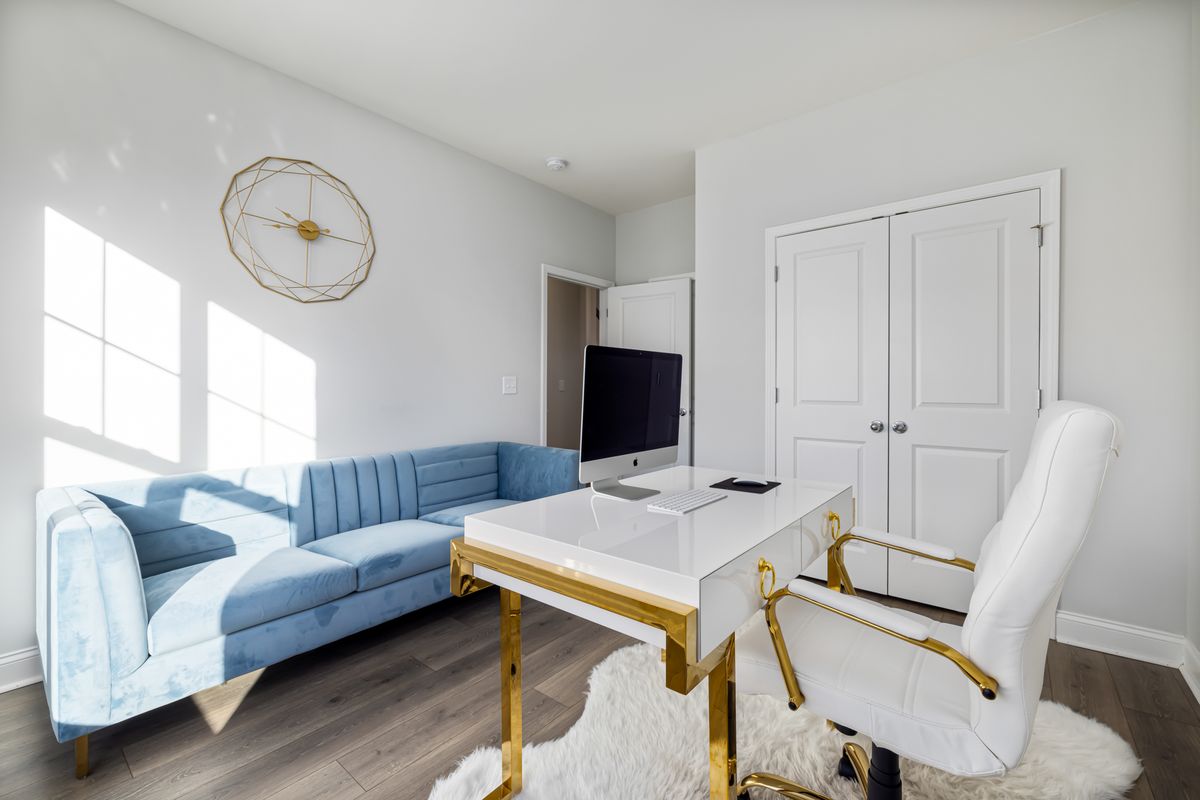
Check sockets, light and room to pull the chair back. A slim top may look discreet but become unusable once a monitor and keyboard arrive. Arrange your normal tools on an equivalent surface before settling on dimensions.
Watch screen reflections at different times. Being beside a window does not automatically create good visibility. Avoid blocking balcony access or turning a cable into a line across the living room floor.
Connect materials without disguising the purpose
A finish that relates to another piece can help, but desk and sideboard do not need to match exactly. The chair matters as much as the surface; one chosen solely to resemble dining furniture may be uncomfortable for longer use.
Test how it looks tucked in and how far it projects. For a wheeled chair, check compatibility with the floor. A delicate rug underneath may impede movement and complicate care even when the composition looks inviting.
Define where work stops
Set aside a drawer, tray or box for small items. The aim is to clear the surface in a few movements rather than transfer one pile into another. If a project must remain open, giving it a definite place prevents it spreading onto the coffee table.
Do not hide equipment that needs ventilation inside a closed cabinet without checking its requirements. Keep chargers and cables accessible for condition checks. Visual integration should not make safe use more difficult or encourage overfilled sockets.
Check the living room at night
A task lamp can be switched off at the end of work, allowing the room to feel different again. If others share the space, consider call noise and screen orientation. Changing the desk angle may improve coexistence more than adding a physical divider.